

Complete Your Appointment Check In
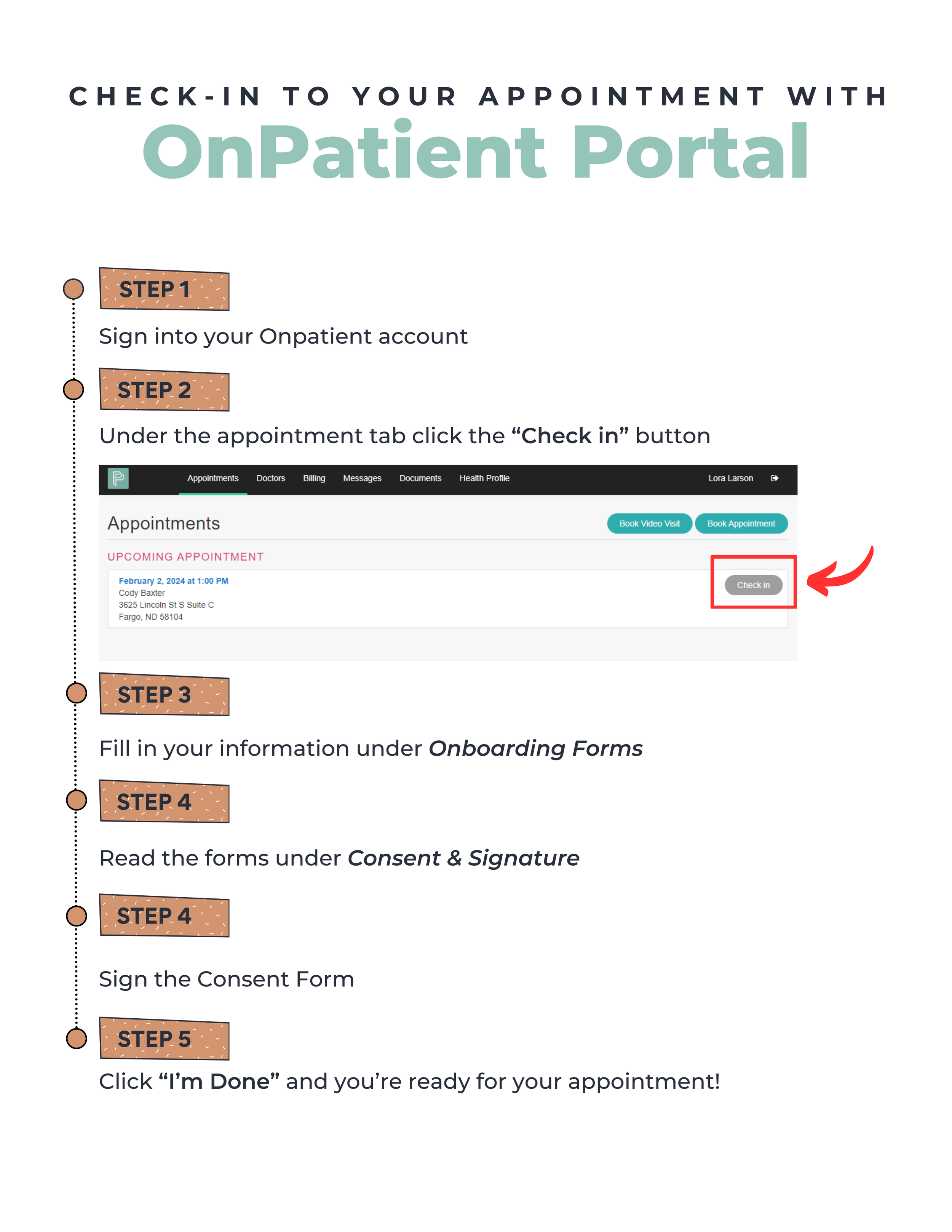
Log into your OnPatient account.
Click “Check In” next to your appointment.
Complete all questions and sign the consent forms.
Your appointment cannot begin until this is finished.
See the steps below.
Need to Message Your Provider?
You can send secure messages inside your OnPatient portal.
Log in and click the “Messages” section to contact your provider.
View step by step instructions here: